MP4 is a container, not a codec. Most of the MP4 files people want to convert are really just "audio with a video track attached" — podcast recordings exported from Riverside or Descript, lecture captures from Zoom or Google Meet, music videos, screen recordings of YouTube playlists, family videos where you want the voices but not the picture. The MP3 you walk away with is what was always inside the MP4; we just throw away the video stream.
Because this site uses MediaBunny on top of the browser's native WebCodecs API, MP4 conversion is fast — a 1-hour 4K MP4 takes well under a minute on a modern laptop, and the file is read as a stream so a 5 GB video doesn't have to fit in RAM all at once. There is no upload step, no queue, no daily limit, and no watermark. The audio you get is the same bitrate as the source unless you pick re-encoding (the default 192 kbps is a sensible mid-point; switch to 320 kbps if the source is high quality and you care).
Common scenarios
When to convert MP4 to MP3
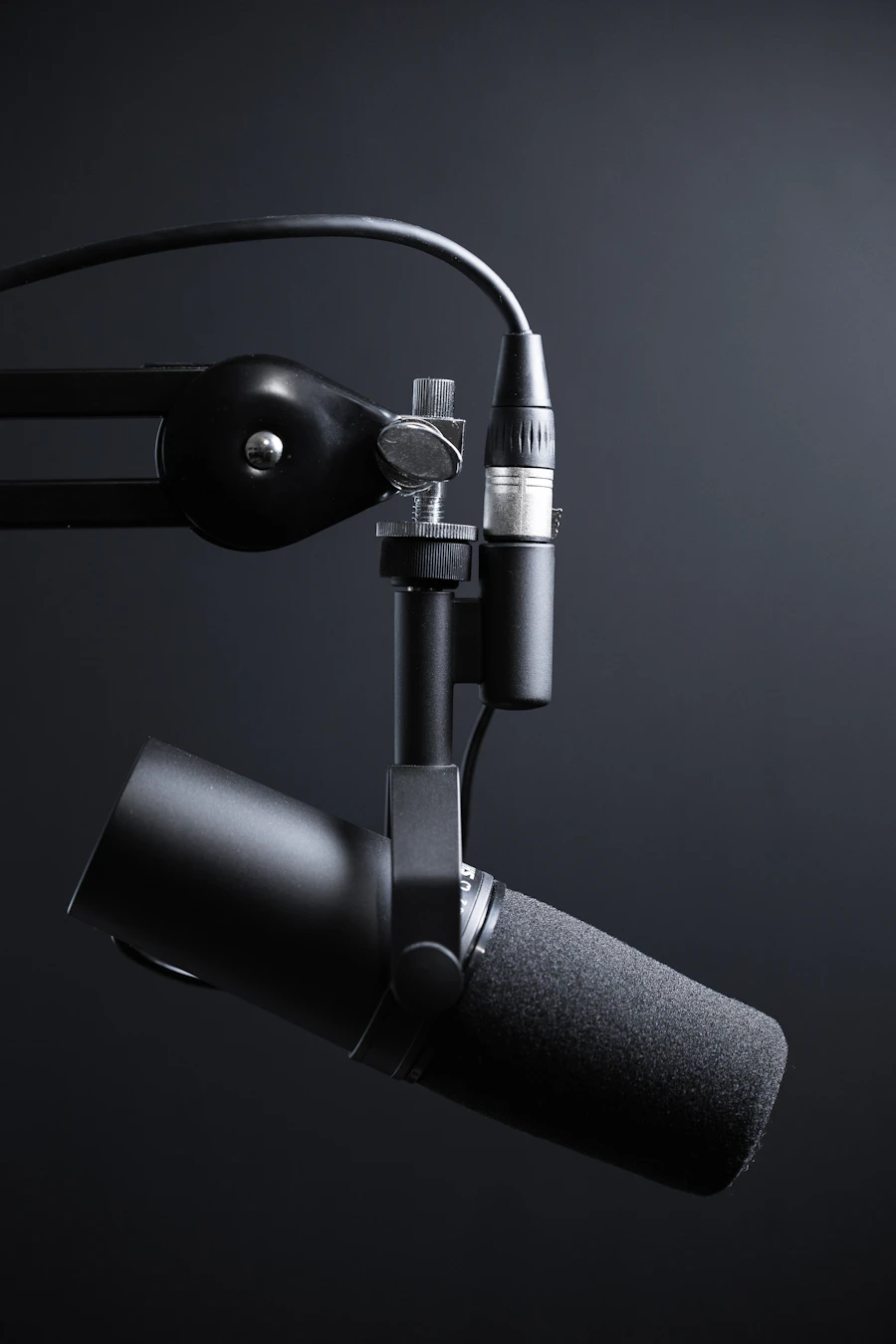
Podcasts and interviews
Riverside, Zencastr, Descript, and Zoom all export video MP4. If you only need the audio for a podcast feed, this strips it without re-encoding the visual.

Lectures and webinars
Convert recorded Zoom, Teams, Webex, or Google Meet sessions to MP3 so you can listen on commutes. The voice track survives compression cleanly.

Music videos
Got a music video you legitimately own as MP4 and want the song on your phone? MP3 at 320 kbps is the right call here.

Screen recordings
OBS, QuickTime Player, ShareX, and Loom all save MP4 with audio. Pull just the narration when you want a voice-only artifact.
Under the hood
How the conversion works
What's inside an MP4
MP4 (ISO/IEC 14496-14) is an ISO base media container. The audio track is usually AAC, sometimes MP3 or AC-3. The video is typically H.264 (AVC) or H.265 (HEVC). To make an MP3 we demux the AAC audio and re-encode it with LAME (libmp3lame) at your chosen bitrate.
Why MP3 instead of M4A?
MP3 plays absolutely everywhere — every car, every Bluetooth speaker, every Windows machine since 1998. M4A (AAC in an MP4 container) sounds better at the same bitrate but isn't always handled by old hardware. If you have any doubt about the playback device, pick MP3.
How to
Step by step
- 1
Drop your MP4
Drag the .mp4 file onto the page. Nothing gets uploaded — the file path stays in your browser tab.
- 2
Set bitrate (optional)
192 kbps is the default and the right choice for spoken-word content. Pick 320 kbps for music; 128 kbps if size matters more than fidelity.
- 3
Click Extract audio
Progress bar fills in real time. When it hits 100%, click Download and the .mp3 saves to your computer.
FAQ
Frequently asked questions
Does this work for very long MP4 files, like 3-hour recordings?
Yes. MP4 uses the fast streaming engine, which doesn't load the whole file into memory at once. Three-hour recordings have been tested and complete in a few minutes on a typical laptop.
Will the MP3 sound worse than the audio inside the MP4?
MP3 is a lossy format, and any re-encode loses a small amount of quality compared to the source AAC. For voice content the difference is inaudible. For music, pick the 320 kbps preset to minimize the loss.
Can I keep the original audio quality with no re-encoding?
If you want bit-perfect, pick WAV or FLAC instead of MP3. WAV is uncompressed; FLAC is compressed but lossless. The downside is bigger files.
What if my MP4 actually contains H.265/HEVC or an unusual audio codec?
The fast engine handles H.264 and H.265 with AAC, MP3, AC-3, or Opus audio inside MP4. On the rare file with something exotic, we automatically fall back to FFmpeg compiled to WebAssembly, which understands almost everything.
Does this convert MP4 from iPhone screen recordings too?
Yes — iOS screen recordings save as MP4 with AAC audio, which is exactly what the fast engine is best at. Many iPhone .mov files also work the same way; see the MOV to MP3 page if you have those instead.
See also
Related converters