A careful recovery path
From an old phone file to a playable audio copy
Start with the original recording and work on a duplicate when possible. Converting a 3GP file can make its audio easier to play, but it cannot restore missing frames, repair every damaged file, or improve the original recording quality.
- 01
Find the original
Look in an old phone, SD card, backup folder, or message export. Copy the file to a computer and keep that untouched copy safe.
- 02
Check the extension
Common files end in .3gp; related .3g2 files may come from CDMA-era phones. Do not rename a file to change its format.
- 03
Extract the audio
Choose the 3GP or 3G2 file here and convert it to MP3. If it fails, test whether the original still opens in a media player.
- 04
Listen and archive both
Check the beginning and end of the MP3, then store it beside the original with a clear filename and backup location.
If an old phone backup has several clips, convert one file first and confirm that its sound and duration are right before processing the rest.
3GP was designed for mobile networks and early camera phones, where short recordings needed to fit limited storage and bandwidth. A 3GP clip can contain video and audio such as AMR or AAC. The .3g2 extension is related but comes from the 3GPP2 ecosystem; treat it as a related input, not a file that can be fixed by changing its name.
A 3GP to MP3 converter is useful when a voice note, family clip, or old phone video will not play conveniently on a current device. This free online converter processes the selected file in your browser. The resulting MP3 is a new listening copy, so preserve the original 3GP or 3G2 file, especially when the recording is a personal archive.
3GP was the video format of the feature-phone era — Nokia, Sony Ericsson, Motorola, BlackBerry, and the first camera phones — and almost every file surviving in that format is somewhere between ten and twenty years old. Retrieving the audio is usually recovery work: a grandparent's voice message, a school concert shot on a phone in 2006, a video message sent by MMS. This page exists for those files.
The audio inside is typically AMR-NB, a speech codec running at 8 kHz mono with a maximum of 12.2 kbps. No browser has ever decoded AMR, so these files always go through the FFmpeg WebAssembly path — a one-time ~30 MB engine download, then a decode inside a 32-bit memory space. The good news is that 3GP files are tiny by modern standards, usually a few megabytes, so the memory ceiling is rarely a problem. The honest news is that 128 kbps MP3 is already more than the source can justify; choosing a higher bitrate adds size, not detail.
Common scenarios
When to convert 3GP to MP3
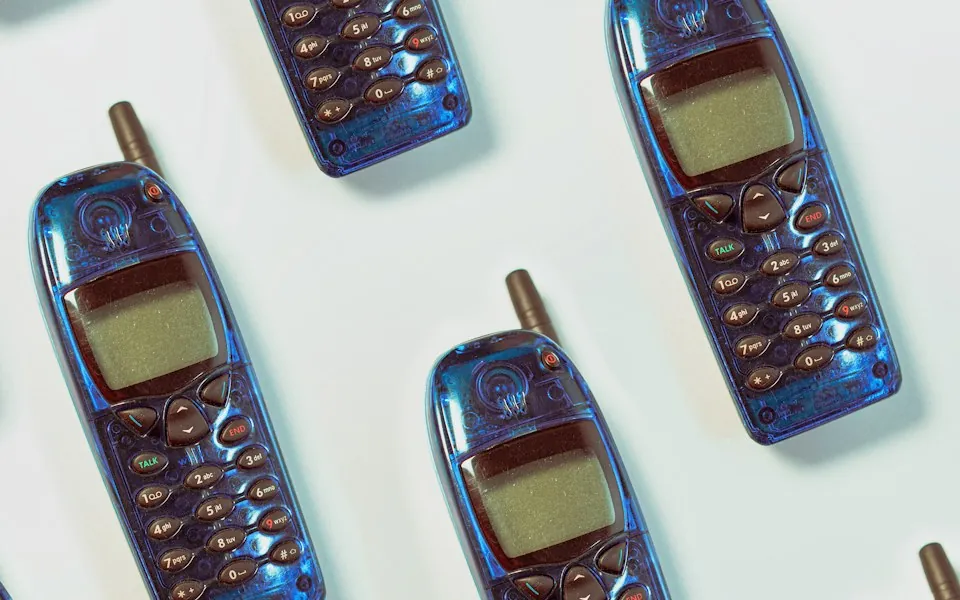
Recover voices from an old phone video
Extract dialogue or a spoken message from a short camera-phone clip and listen without loading the picture. Keep the original if the images or capture date may matter later.
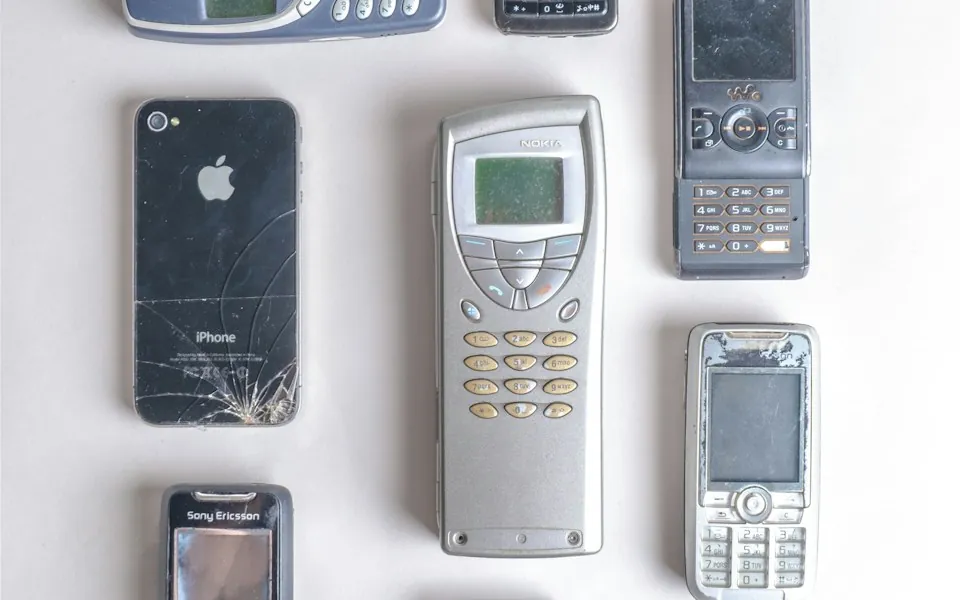
Make a family recording easier to share
A relative may have trouble opening a 3GP clip on a new phone or laptop. An MP3 copy can make the audio accessible while the original video remains available for anyone who needs it.
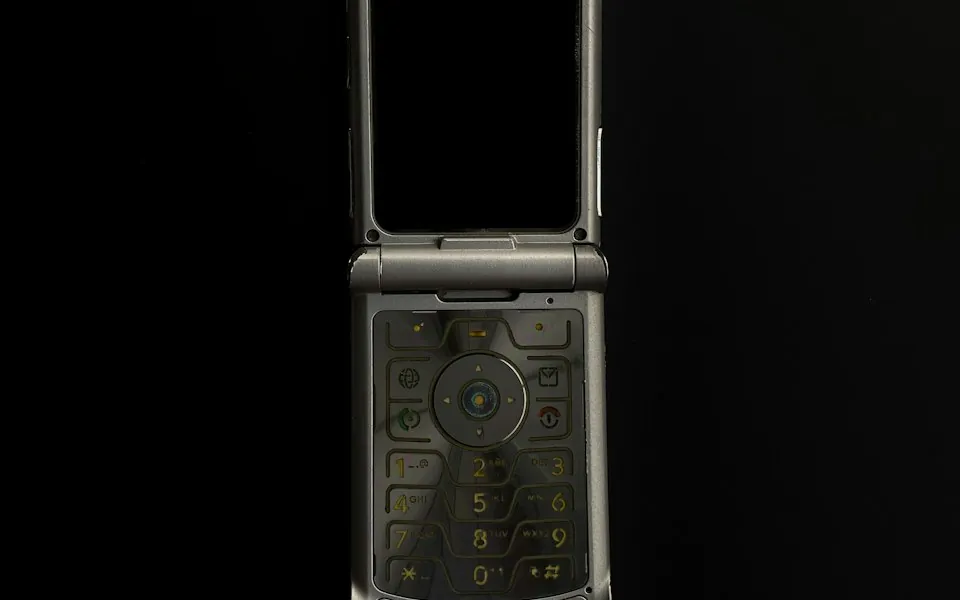
Listen to a voice memo or interview clip
Some older phones stored short spoken recordings in the same family of formats as their camera clips. Extract the audio and label the MP3 with its date or source before filing it.
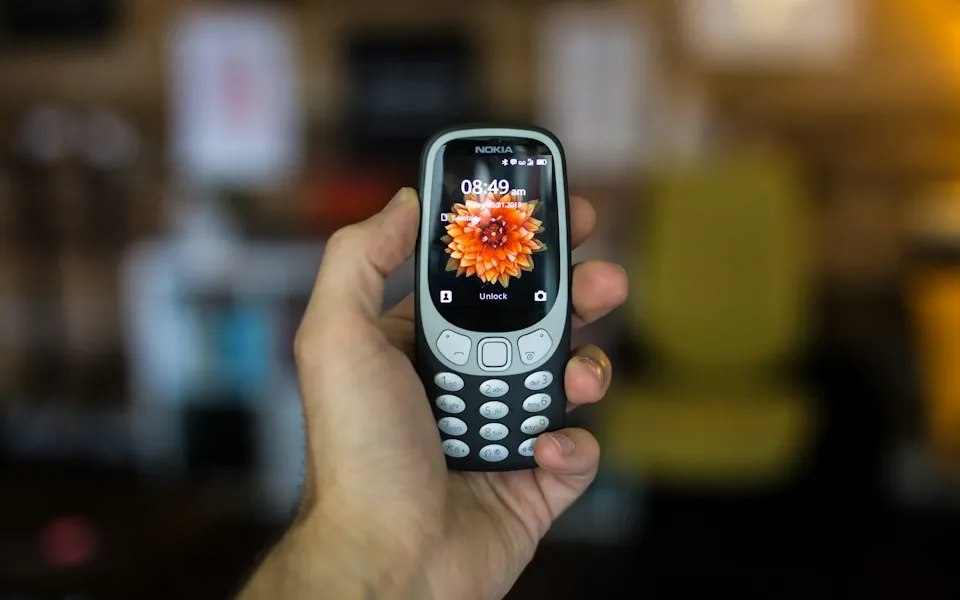
Organize a recovered backup
Convert one representative clip, verify that the output plays, and then use consistent names for the rest of a card or phone backup. Store a second copy of irreplaceable recordings.
Under the hood
How the conversion works
3GP and 3G2 are related, but not identical
Both extensions are associated with mobile video containers, but 3G2 was used in the 3GPP2 ecosystem and may contain different stream combinations. This converter accepts both extensions; successful decoding still depends on the file being readable and supported.
Older phone audio can sound narrow or noisy
AMR was designed for speech at low data rates, and some old phone microphones added hiss or distortion. Exporting to MP3 improves convenience, not the source. A higher MP3 setting cannot recreate detail that was never recorded.
Use VLC or FFmpeg when you need another workflow
VLC can open many legacy media files and provides a desktop conversion workflow. FFmpeg can also extract audio from supported 3GP and 3G2 inputs. A browser converter is useful when you want a quick copy without installing software.
AMR is a speech codec, and that sets expectations
AMR-NB runs at 8 kHz mono, which captures telephone-band audio and nothing above roughly 3.4 kHz. Music recorded through it sounds thin and distant, and no amount of conversion fixes that. What you can do is get the audio into a format you can actually play and archive, which is the point of this page.
Why 3GP always uses the FFmpeg path
AMR-NB and AMR-WB are not implemented in any browser's media stack, so there is no native route. FFmpeg compiled to WebAssembly handles both. Expect a short pause on the first conversion while about 30 MB of engine is fetched — after that, subsequent files in the same tab convert quickly.
3GP, 3G2 and the .3gpp extension
3GP is the GSM/UMTS variant and 3G2 is the CDMA variant used by carriers in North America on non-GSM networks. Both are accepted here, as are files named .3gpp or .3gpp2 by some Android phones. They are close relatives and decode identically for our purposes.
File size and the memory ceiling
The FFmpeg build is 32-bit, so very large inputs will fail. Feature-phone clips were capped by carrier MMS limits — often 300 KB to a few megabytes — so this almost never bites. If you have an unusually long 3GP, trim it locally first with ffmpeg -i input.3gp -t 00:10:00 -c copy part.3gp.
Keep the original and choose a useful copy
A converted file is for access; it should not replace the only copy of an irreplaceable recording.
| Choice | Good for | Limit |
|---|---|---|
| Original 3GP / 3G2 | Preserving the captured clip and its source context | Some current players may not support its streams |
| MP3 copy | Listening on common phones, computers, and players | Audio-only and lossy; original quality remains the ceiling |
| WAV copy | An editor that explicitly requests uncompressed PCM | Much larger and does not improve a low-rate phone recording |
How to
Step by step
clip.3gp
Output: MP3 · Standard · 192 kbps
OptionsConversion runs locally · this tab stays online during processing.
Extract audio- 1
Locate and copy the clip
Transfer the .3gp or .3g2 file from the old phone, card, or backup. Preserve a second copy before converting a recording you cannot replace.
- 2
Select the 3GP video
Drop the file onto the converter or choose it from the file picker. If the extension is not listed, confirm the file copied completely instead of renaming it.
- 3
Create the MP3
Start the conversion and allow the browser to finish. Larger clips and older devices may take longer; the source remains on your device during processing.
- 4
Verify and label the result
Listen through the MP3 and compare its duration with the video. Give it a descriptive name and store it with a backup of the original clip.
FAQ
Frequently asked questions
Can I convert 3GP to MP3 online for free?
Yes. Select a 3GP file on this page and convert it in the browser. The video is not uploaded to a conversion server; keep the tab open until processing finishes.
Does this converter support 3G2 files too?
The converter accepts .3g2 files as well as .3gp. They are related mobile video formats, but their streams can differ, so an unsupported or damaged file may still fail to decode.
How can I convert a 3GP file with VLC?
In VLC, open Media > Convert/Save, add the 3GP file, choose Convert, select an audio output profile, and set a destination filename. Menu labels can vary by VLC version. This page is an alternative when you prefer not to install a desktop app.
Will 3GP to MP3 make an old phone recording sound clearer?
Usually not. It changes the format for playback and sharing, but the recording's original microphone, codec, and data rate determine the available detail. Keep expectations modest for early mobile-phone audio.
What should I do if a 3GP file will not open?
Make sure the copy completed, try opening the original in a desktop media player such as VLC, and check whether the file has zero bytes or is incomplete. Renaming it to MP4 or MP3 will not repair missing data.
Will my old phone video work?
Almost always. AMR-NB, AMR-WB and AAC inside 3GP are all handled by the FFmpeg path. If a file fails, the likely cause is not the age but a corrupt header from an interrupted recording — try playing it in VLC first, since VLC can often read files other tools refuse.
Why does the audio sound so thin?
Because AMR-NB is an 8 kHz mono speech codec. That is the quality the phone recorded, not something the conversion introduced. Music recorded through it will sound tinny; speech will be intelligible but narrow-band.
Should I use 320 kbps for these files?
No. 128 kbps is already higher fidelity than an AMR source, so anything above it only makes the file bigger. Save the high bitrates for recordings made with modern equipment.
Can I convert a 3GP from an Android phone?
Yes. Some Android devices and messaging apps still write .3gp or .3gpp, usually with AAC rather than AMR audio, which converts even more cleanly. The same page and the same engine handle it.
Is anything uploaded to a server?
No. The FFmpeg engine is downloaded from a public CDN, but your file stays in the tab. You can disconnect from the network after the page loads and the conversion still completes.
What if the file will not play anywhere, including VLC?
It is probably truncated — an interrupted recording whose header was never finalised. Try ffmpeg -err_detect ignore_err -i input.3gp -c:a copy -vn audio.3gp locally to salvage what is there. A conversion cannot repair missing bytes.
See also
Related converters